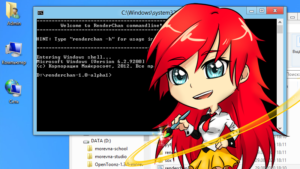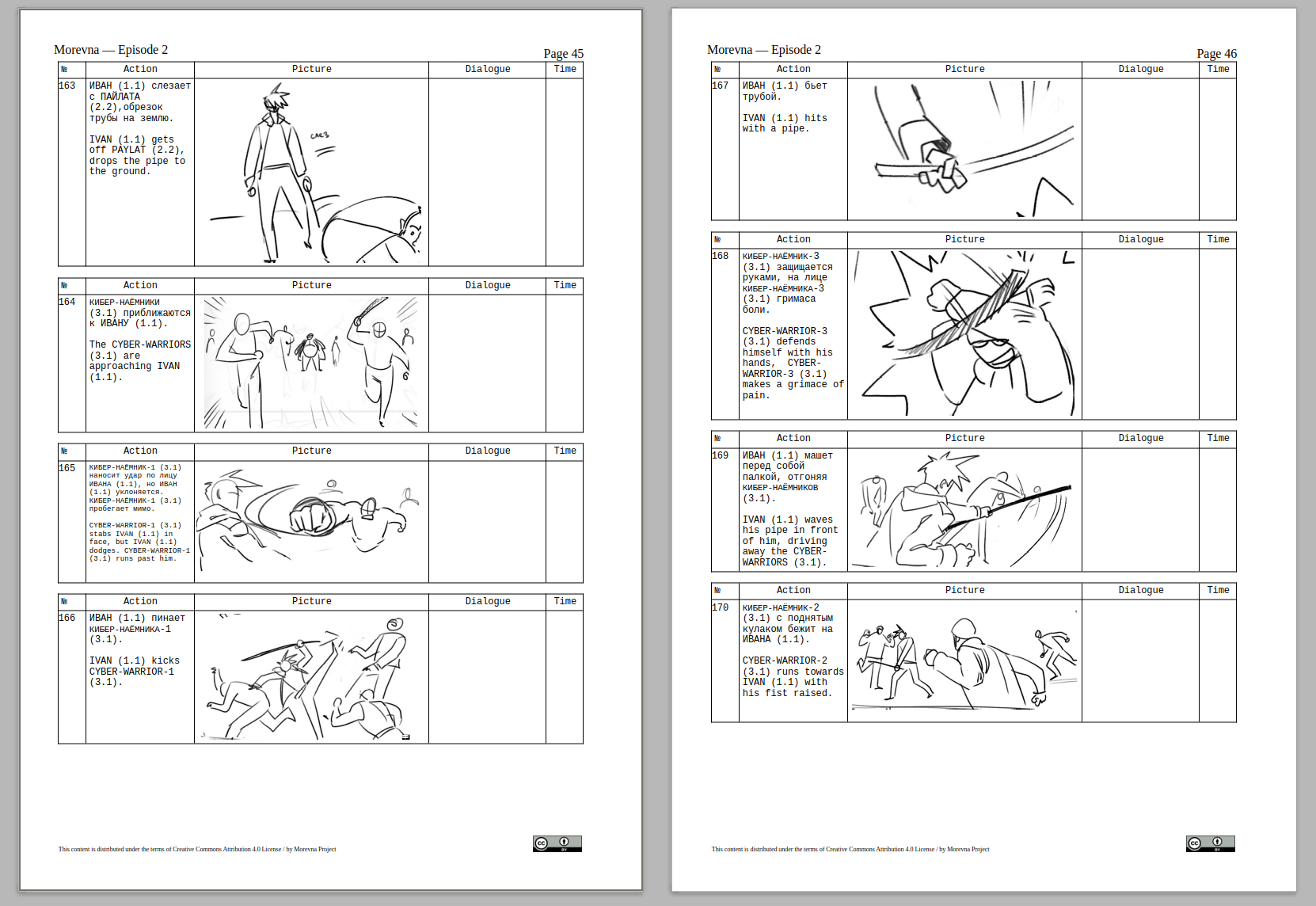
I am proud to announce new version of “Remake” – unified build system for animation projects. «Remake» is an utility that automatically tracks changes in the project files and renders them.
Download remake-0.4-1.noarch.rpm
Download remake_0.4-1_all.deb
Download remake-0.4.tar.gz
This release delivers a number of major improvements and bugfixes. See full list of changes below.
- It is now possible to install «Remake» into «/usr/local» or any other system prefix. Use «./install-remake PREFIX» command for that. Uninstalling is also possible with «./uninstall-remake PREFIX». DEB/RPM packages are also available for download.
- Special command to create new remake projects — «remake-manager create PROJECTNAME». This command checks that all required software is installed, creates PROJECTNAME dir, copies default project template, automatically detects installed blender version and writes necessary configuration.
- Desktop integration for Gnome users — if you have nautilus-actions installed, then you can call «Remake» commands by right-clicking files in Nautilus.
- Support for Blender >= 2.62.
- If some software is missing then provide informative messages including hints on installation, configuration and links to download sources.
- Check if installed Blender version have FFMpeg support.
- New option in remake.conf — «BLENDER_VERSION». Allows to set Blender version required to work with the project. If installed version of Blender is different, then throw error message.
- New option in remake.conf — «AUDIO_RATE». Specifies default audio rate for the project audio files.
- Improve quality of sample rate conversion for mp3 files.
- New mode — «pack». Packs file into zip archive together with all dependent files. Usage: «remake FILE pack». Packed files are written into «packs/» subdirectory in your project root.
- Dependency detection uses cache now. Dramatically increases dependency detection speed.
- New option «-z» to disable cache.
- New option «-i» to ignore all errors in commands executed.
See also: