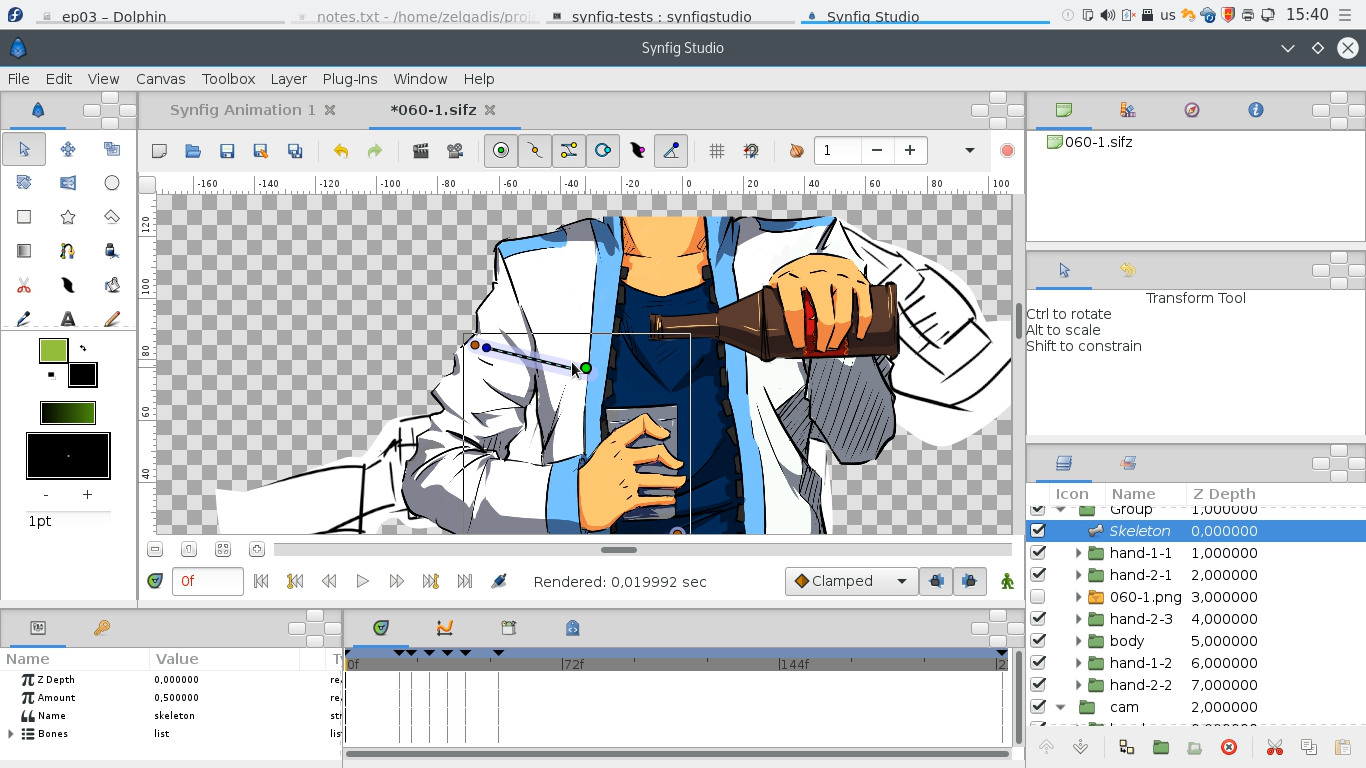
Shot 60: From static to animation (timelapse)
In this video you can see a part of our working process of composing static artwork images into animation file. In the beginning you can
In this video you can see a part of our working process of composing static artwork images into animation file. In the beginning you can
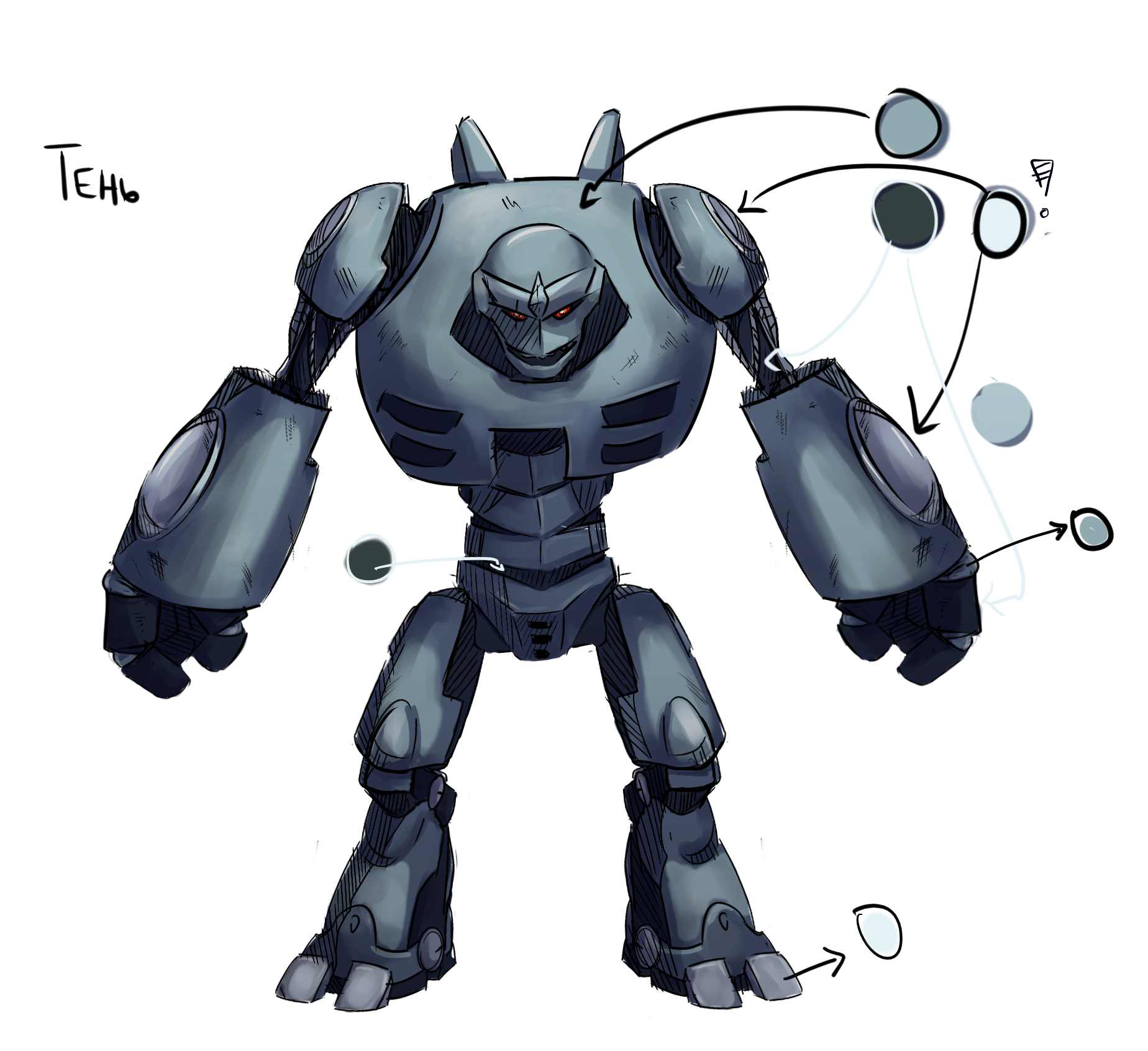
In my previous report I have promised a post about our coloring process. And here it comes! The coloring task is not that resource-demanding as

Last month we have made one more important step regarding our infrastructure – our file synchronization system was migrated from proprietary Dropbox to open-source solution!
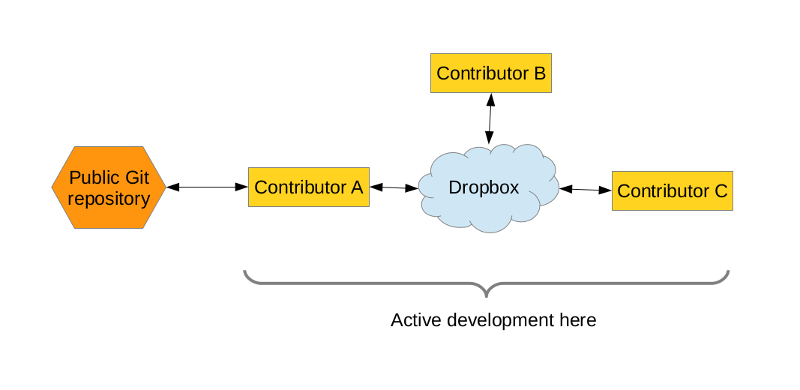
When several people work on the animation project in different places, the project sources are usually synced between them using the cloud services. Today I
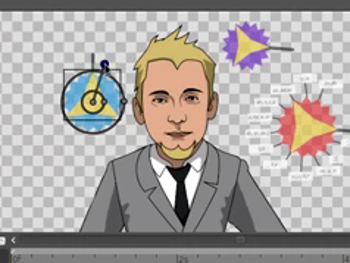
Hola! We understand that the published character template is pretty much unuseful without a tutorial. So, here I’m publishing a screencast recorded from my workshop

Hey, it’s been a long time! Let me share some quick news with you. If you remember, in November I have planned a lot of
( читать по-русски | Russian translation ) Let me start with some good news. Last week I have received a subsidy from Russian government for
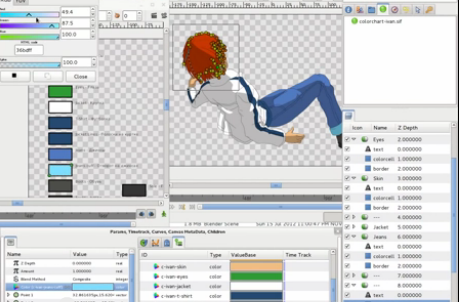
Here’s a little video I have prepared on how we do coloring using colorcharts in Synfig. The colorcharts is very cool feature for animation projects
I will start today’s weekly progress from screencast demonstrating our “lazy tweening” approach. This approach can be shortly summarized in following steps: Vectorize each keyframe
As we are back on track now, I’m going to continue tradition with the weekly reports (like we did during the previous phase). At least
Today I want to talk a little about the ways we cheat at drawing. ^__^ When you start drawing a characters you usually have “front”