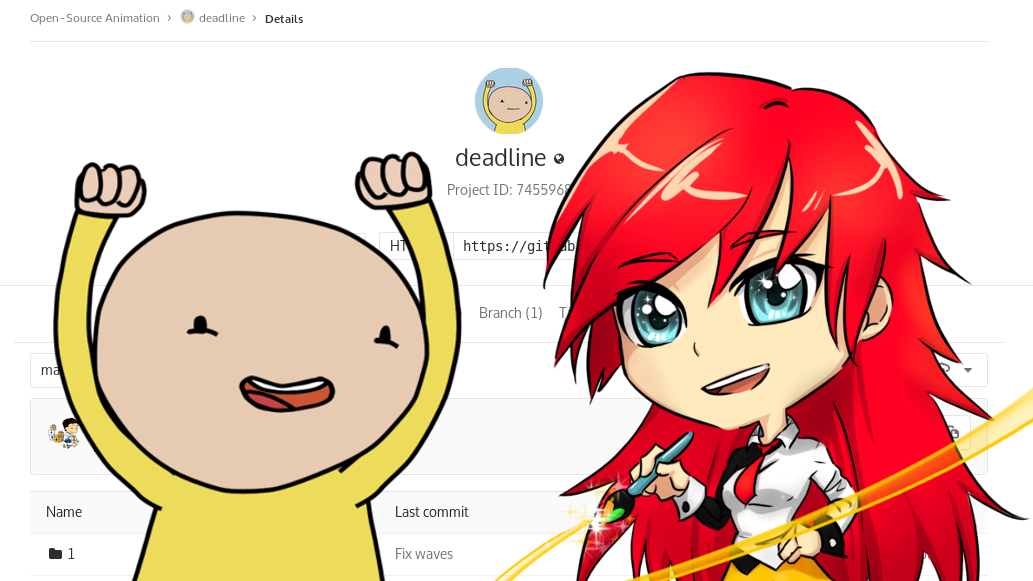
Sources of «The Deadline» animated short now available at GitLab — https://gitlab.com/OpenSourceAnimation/deadline
How to download
You can get sources by cloning from GitLab repository. Before you start, please make sure that you have Git LFS extension installed (otherwise you will get a bunch of empty files). Obviously, you will also need a Git utility itself.
Then, clone with this command:
git clone https://gitlab.com/OpenSourceAnimation/deadline.git
After the cloning finishes, you will get a directory called «deadline» with all sources.
How to build
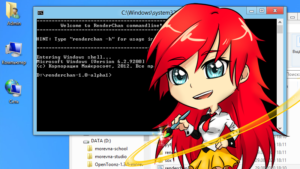
The sources are managed with RenderChan software, which provides automatic rendering. This is similar to what make/autotools/cmake/scons do for software projects.
Before you start, make sure you have following software installed:
- RenderChan.
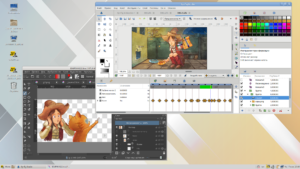
- Synfig (1.1.12 or above).
- Blender (2.78 or above).
Now, open a terminal window, go to directory with your sources and execute the following command:
renderchan project-deadline-eng.blend
This will render English version of the project and you will find resulting video file in «render/project-deadline-eng.blend.avi».
If you want to edit video sequence, just take a look inside of «project-deadline-eng.blend» file, which can be opened in Blender. In the same way you can work with Russian and French versions — just check «project-deadline-rus.blend» and «project-deadline-fra.blend» files respectively.
If you wish to edit particular scene — check the *.sifz files in the source tree.
FAQ
Q: I have successfully cloned repository (with Git LFS), tried to open «project-deadline-eng.blend» file and it is empty.
A: The sources do not include rendered footage, so you have to build it with RenderChan before you start editing. Please see «How to build» section above.