Posts Tagged ‘screencasts’

Using colorcharts in Synfig

Saturday, August 11th, 2012

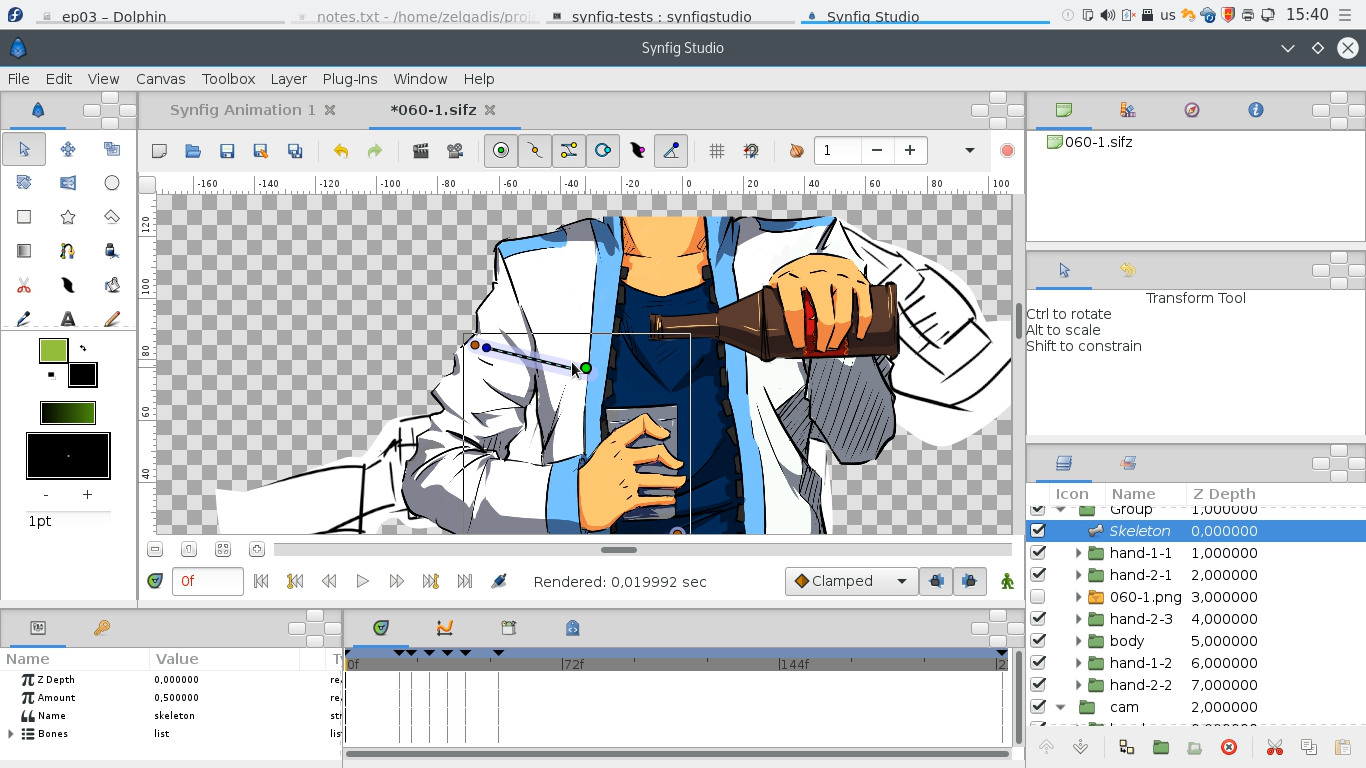
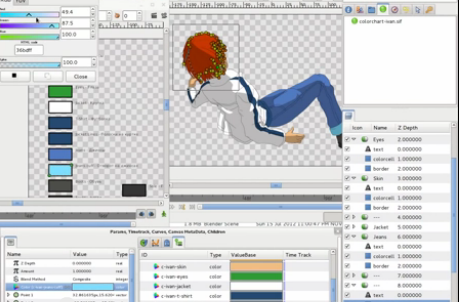
Here’s a little video I have prepared on how we do coloring using colorcharts in Synfig.

The colorcharts is very cool feature for animation projects – you have all key colors defined in one file and when you change this file, all colors are changed in the whole project. So you can dynamically tweak colors for your characters with a single click.

Colorcharts are natively supported in Synfig through the linking feature. Many people know that you can link parameters in Synfig within one file, but very few know that you can link to parameters from other files. And this is how colorcharts work – we just link all colors to the exported values in another file. See video below for detailed explanation.

Apologies for my English. ^__^

Weekly progress

Monday, July 23rd, 2012

I will start today’s weekly progress from screencast demonstrating our “lazy tweening” approach.

This approach can be shortly summarized in following steps:

  1. Vectorize each keyframe independently.
  2. Use stickman to deform first keyframe to second and create tweening transition.
  3. Repeat the same for second and third keyframes and so on.

We have spent the whole week testing how much this approach suitable for making different types of animation. And hey – it’s kind of all-purpose thing! (Except maybe some cases of close-up headturns…)

When we settled this approach, we found that even for complex animation it’s possible to vectorize each keyframe independently. That means we can break each shot into small tasks and ask for community help with vectorization. That’s how we started the last community call for Synfig users.

Does someone thinks that we plan to have a rest and wait when  all hard work will be done by the community? No way! The community call is just an experiment to find talented Synfig artists around and proof that we can collaborate with them. And we are still working hard to deliver most and the best!. ^__^ Last week we have hit very complex shots – I have spent much time on shot 34 and Nikolay worked hard on shot 19. The next challenge for us is shot 20 – the most complex shot of the demo. Nikolay already started to work on it today.

Tweening and Vectorization status (23.07.2012)

At the same time the work on Ivan and Morevna models continued. The modelling is mostly done and now we are waiting for rigging and textures. Also we have two artists willing to improve truck and helicopter model and three persons interested in creating soldier model variations. I can’t wait to see how all this turn out!

Weekly progress

Sunday, June 24th, 2012

This week wasn’t very productive. Nikolay was mostly busy on other things, so you will not see new vectorization results. Though, we have managed to make some really neat improvements.
First of all, we have made some significant impact on shot 06. I was a little worried about this shot being a little bit too static for my taste. This week, after another review, we have decided to draw a few “unplanned” keyframes and now it looks very cool.

Next, we started preparing the reference data for 3D models of the main characters. As you might remember, we have decided to use high-polygonal 3D models for some shots and we need someone to take on modelling them. Most probably I will post community call here and to the blendswap.com. Any other ideas where it’s worths to post a call?

Finally, as we using Synfig we continue to improve it. There’s one more feature coming and, if everything will be fine, I’m going to post results next week.

Here I want to show one typical hour of my work.

Summary of the video:

I’m preparing all drafts by converting .ora files to .jpg. It’s quite routine task and I have cut out most of it. For some reason Gimp 2.8 refuses to remember my export settings and it’s a bit annoying. On the rest I found that this version makes my work much more productive, comparing to 2.6.x.

Then I import artwork images into Synfig. I used to run Synfig Studio via debugging session in Anjuta IDE. That allows me to catch and fix errors right “on the fly”. So, right now my workflow is a combination of animation and coding work at the same time and I’m very happy about that.

When all images were imported, I realized that they are consume too much memory because of their size and thus Nikolay might have a problems with my file. So, I’m taking time to reduce resolution for draft images.

After that I encounter nasty bug which happens randomly on file close event and very hard to reproduce. With my very limited knowledge I’m trying to fix it.

And finally there goes usual stickman preparations until I get satisfied with animation results.

LGM talk about Remake

Tuesday, June 19th, 2012

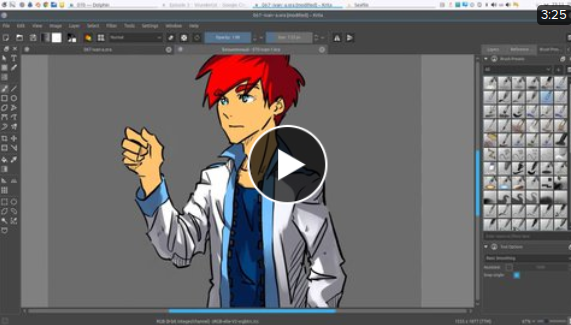
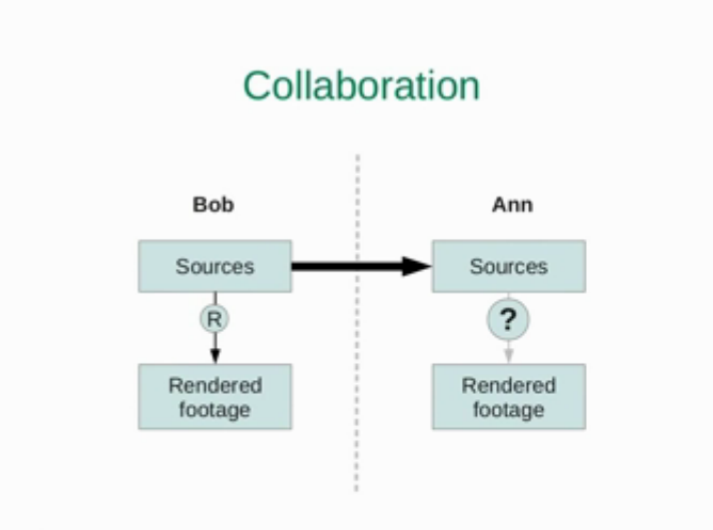
Finally I’ve got the video with my talk about Remake at LGM! Unfortunately the screen wasn’t recorded, so initially there was only my talking head there. But I’ve tried to reproduce everything what was happening at the screen during the presentation and combined with video. So I hope in this shape it makes sense now.
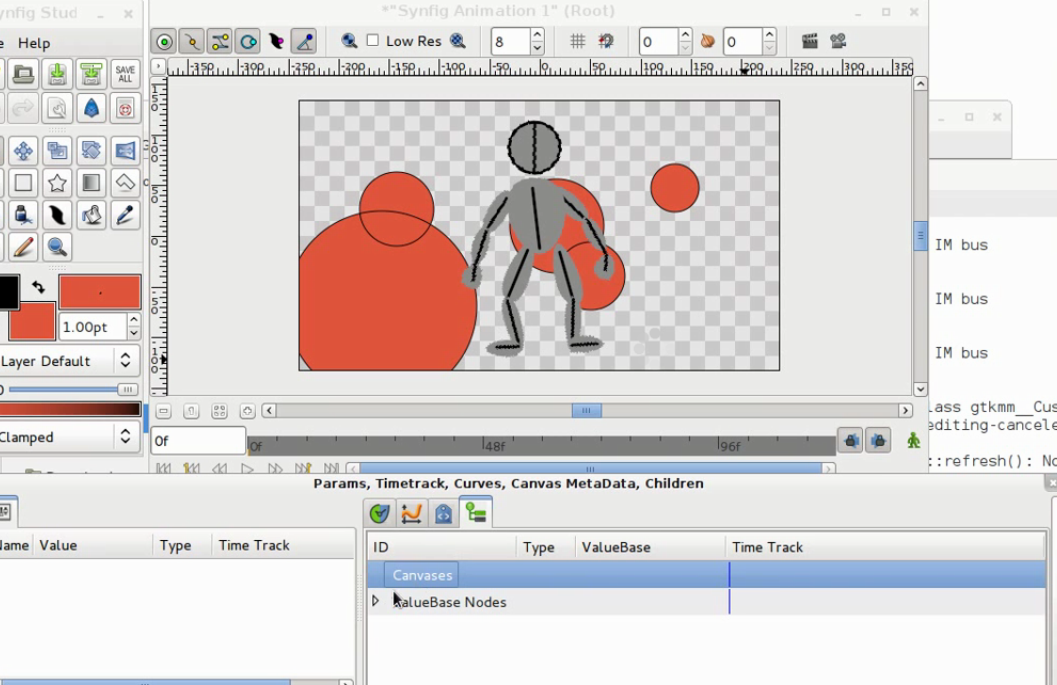
My English is pretty crappy, so here’s the presentation with all supporting text: lgm-remake-slides.pdf

Plugins feature in Synfig Studio

Monday, June 11th, 2012

We was so excited by our stickman merge tool, that we decided to integrate this feature directly into Synfig Studio. As result, we have made some trivial plugin system that allows to run python scripts for current document right from Synfig menu. Very simple, but hey! – it’s effective.
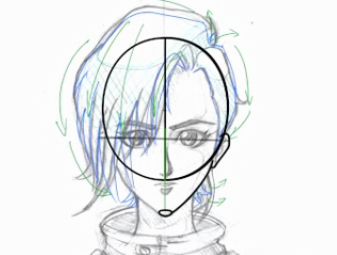
Here’s some explanation video:

People often write some scripts to make useful things on Synfig (sif) files. The most of these scripts are written in python. But for ordinary users running custom scripts from terminal is tricky. With plugins feature users can install scripts as easy as they copy files and transparently run them in the same way as they use standard Synfig Studio commands. Also, runing scripts from menu is much faster, than from terminal and it greatly improves the workflow for advanced users. Having this feature allows to easily add simple functions to Synfig Studio by writting scripts in python. Also, maybe the popular scripts could be used by developers as prototypes for functions to be implemented natively.

Synfig Studio builds with plugins support can be found our software page. For more information and source code please refer to this pull request page.

Another headturn video

Wednesday, April 11th, 2012

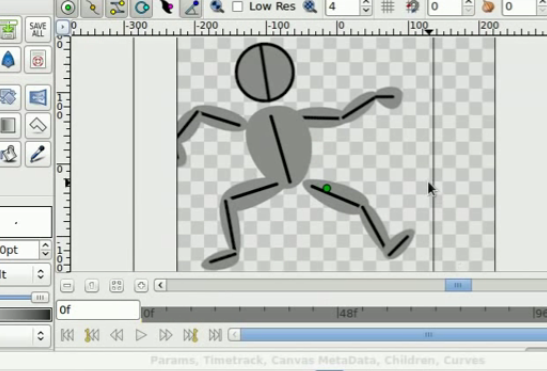
Some folks say that my previous video (the one about creating headturn guides) was too fast. And that making it’s hard to figure out what’s going on. So here I posting another screencast without timelapse.
Stickman Tutorial

Wednesday, February 1st, 2012

For a long time people asked for the tutorial explaining how to use Stickman Template and finally I have come up with something that might be called a tutorial. In fact those videos were recorded in different time (you might notice the differences in interface elements), but watching everything in sequence should give you the whole picture. Big thanks to Anna Orlova for translation and subtitling.

(more…)

Merging draft images

Monday, March 2nd, 2009

Here’s a video about merging two similar images with different size/rotation in Synfig Studio. One image contains corrections for another, so it’s important to properly combine them together. Synfig has a few tricks allowing to handle this task with grace.
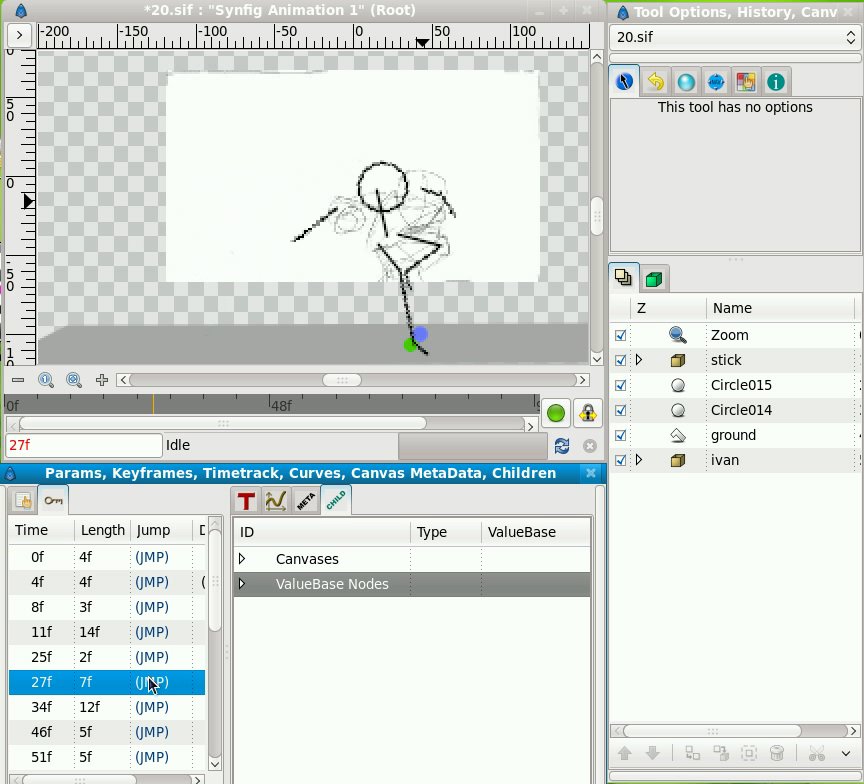
merging-image-corrections-with-synfig.ogv (27 Mb)

merging-image-corrections-with-synfig.ogv (27 Mb)

Stickman animation

Saturday, February 21st, 2009
Making stickman

Stickman video

During the drawing of keyframes for scene 20 we decided to concertize the motion of Ivan by using stickman. Generally, making stickman in Synfig is a simple task, but this one – with forward kinematic.

We made two videos about the process. First video is about finishing making stickman in Synfig Studio – only one hand left, and the head. Next one is about animating the top part of the stickman, Legs are already set up, animating the rest.

Sorry about the files size, but on YouTube those videos look just awful.

EDIT: There is a simpler approach of making stickman exists – without the need to use Radial Composite Converts and Rotate layers. Anyway, here’s two synfig stickman templates: stickman.sifz and stickman-simple.sifz. Enjoy!

IPO drivers in Synfig

Monday, July 14th, 2008

This video shows how the equivalent of blender’s IPO drivers technique could be natively implemented in Synfig Studio.

Example file: ipo-drivers-synfig.sifz.